Winklr
Security
How Winklr protects sign-in and responds to abuse, while keeping your location private.
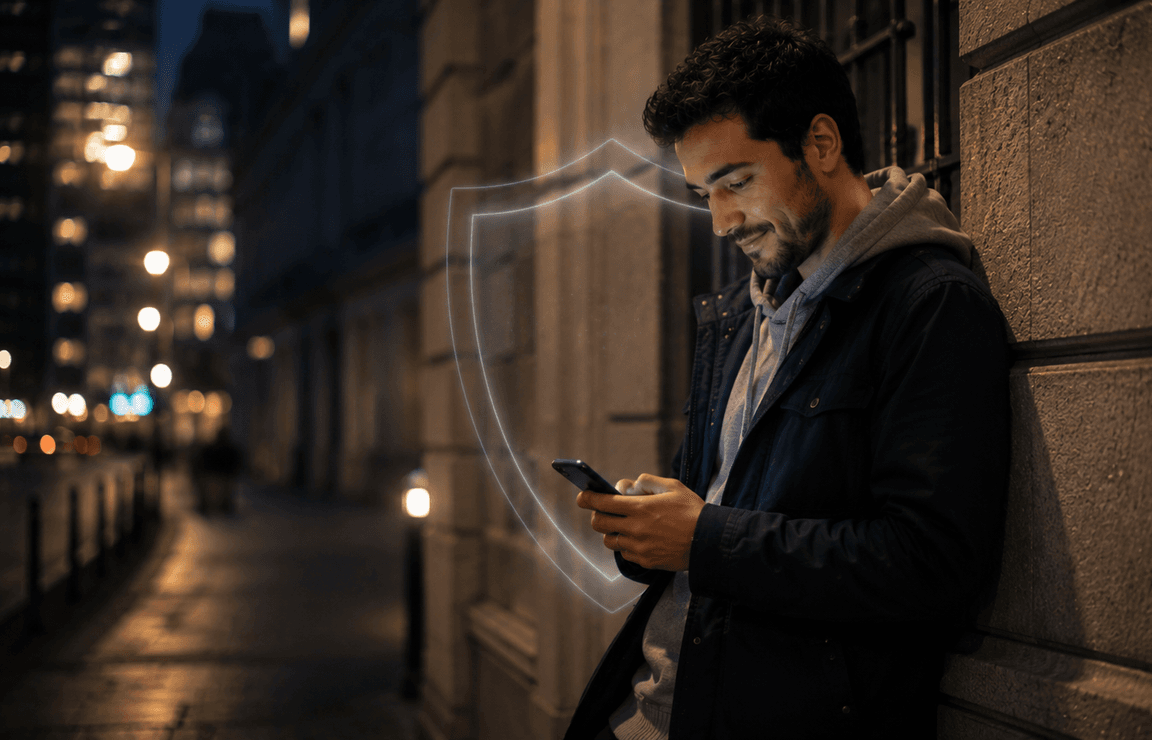
Sign in with a passkey
Passwords can be guessed, reused or entered into a convincing fake sign-in page. A passkey is tied to Winklr and lets you sign in using your device's screen lock, fingerprint or face unlock. There is no Winklr password to remember or hand over to a phishing page. Passkeys reduce a common risk, although they are only one part of keeping an account safe.
Your location stays yours
Finding people nearby should not mean showing them your exact position. Winklr's Orbital location sharing presents general proximity, giving you a way to be discoverable without exposing a precise pin. You can choose whether to use it.
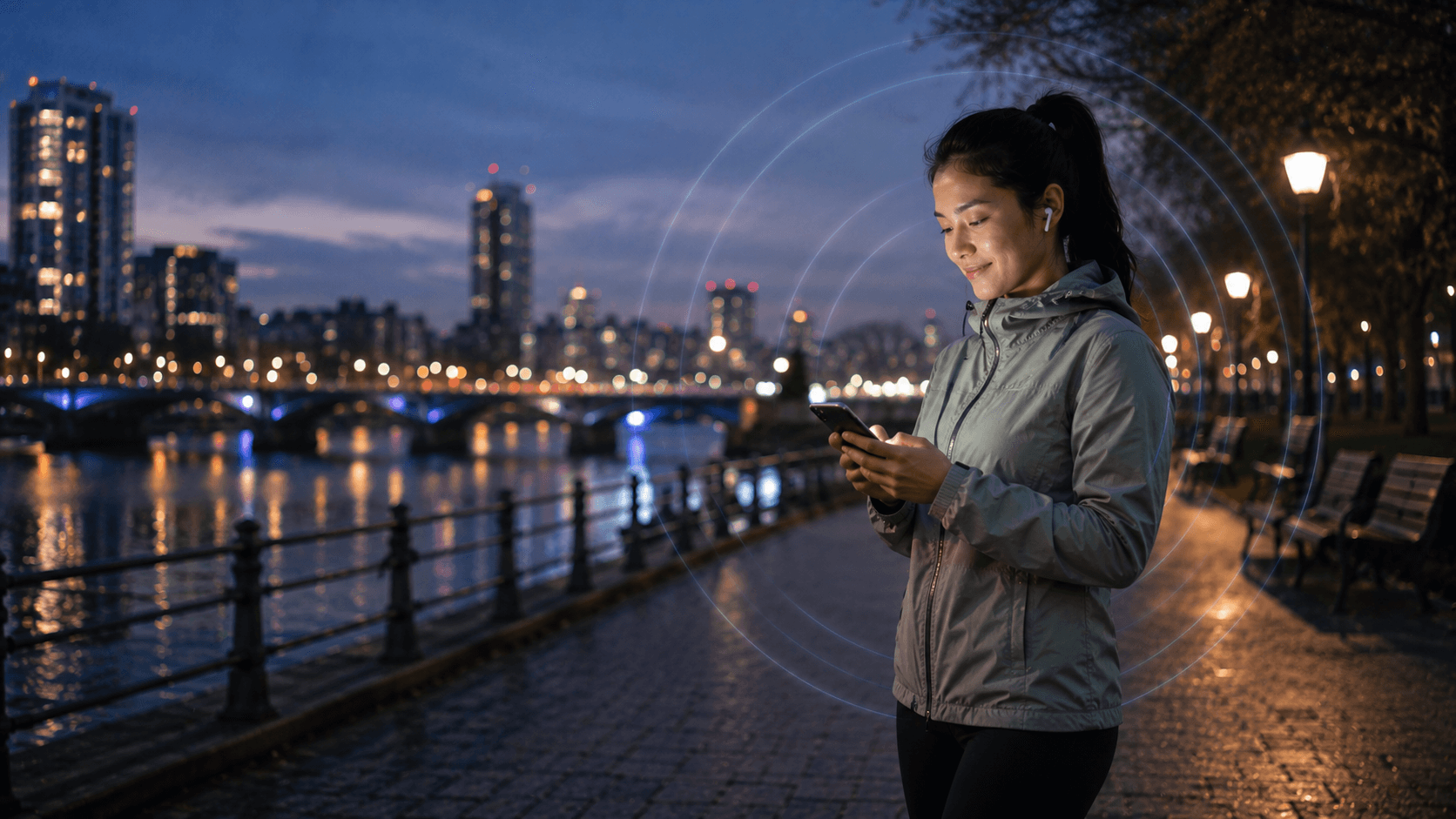
Blocking beyond one profile
An account block can be easy to work around by creating a new profile. Winklr also uses device-level signals to make repeat contact from the same phone harder after a block. No single measure can stop every bad actor, but blocking should do more than hide one account.
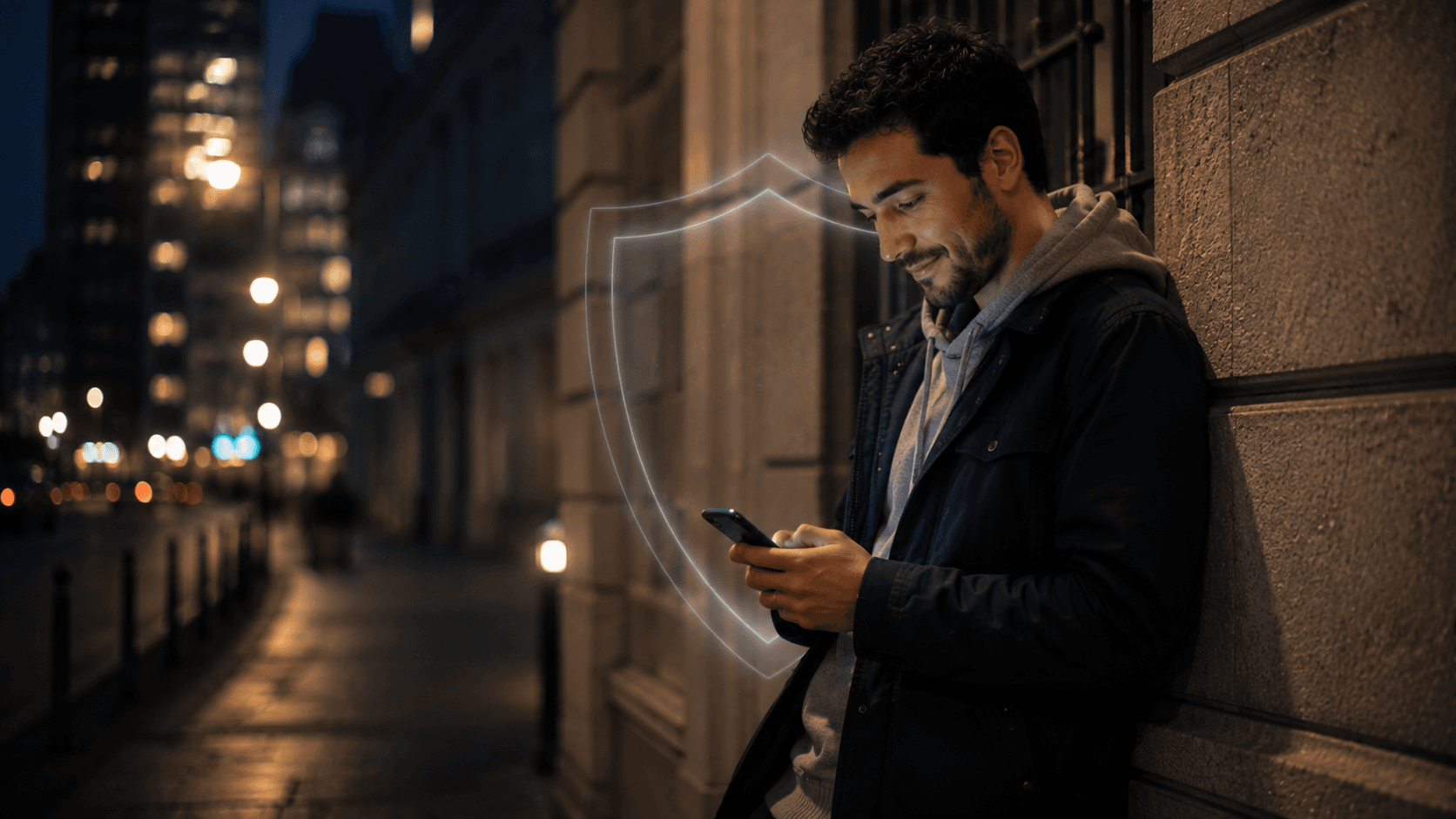
Watching for abuse
We actively monitor for signs of suspicious activity and repeat abuse so we can respond to bad actors. That work sits alongside account and device-level blocking: a block is useful, but spotting patterns of misuse matters too.
Less information to give away
You can message without sharing your personal phone number. We do not ask for your address book to make the core experience work. Keeping unnecessary personal details out of the journey helps you choose when, and with whom, to share them.
Clear choices, safer conversations
Safety is also about the small decisions you can make each day. Keep conversations in Winklr, use the controls that suit you, and block someone if a connection no longer feels right. Our Help Centre has more detail on using these features.