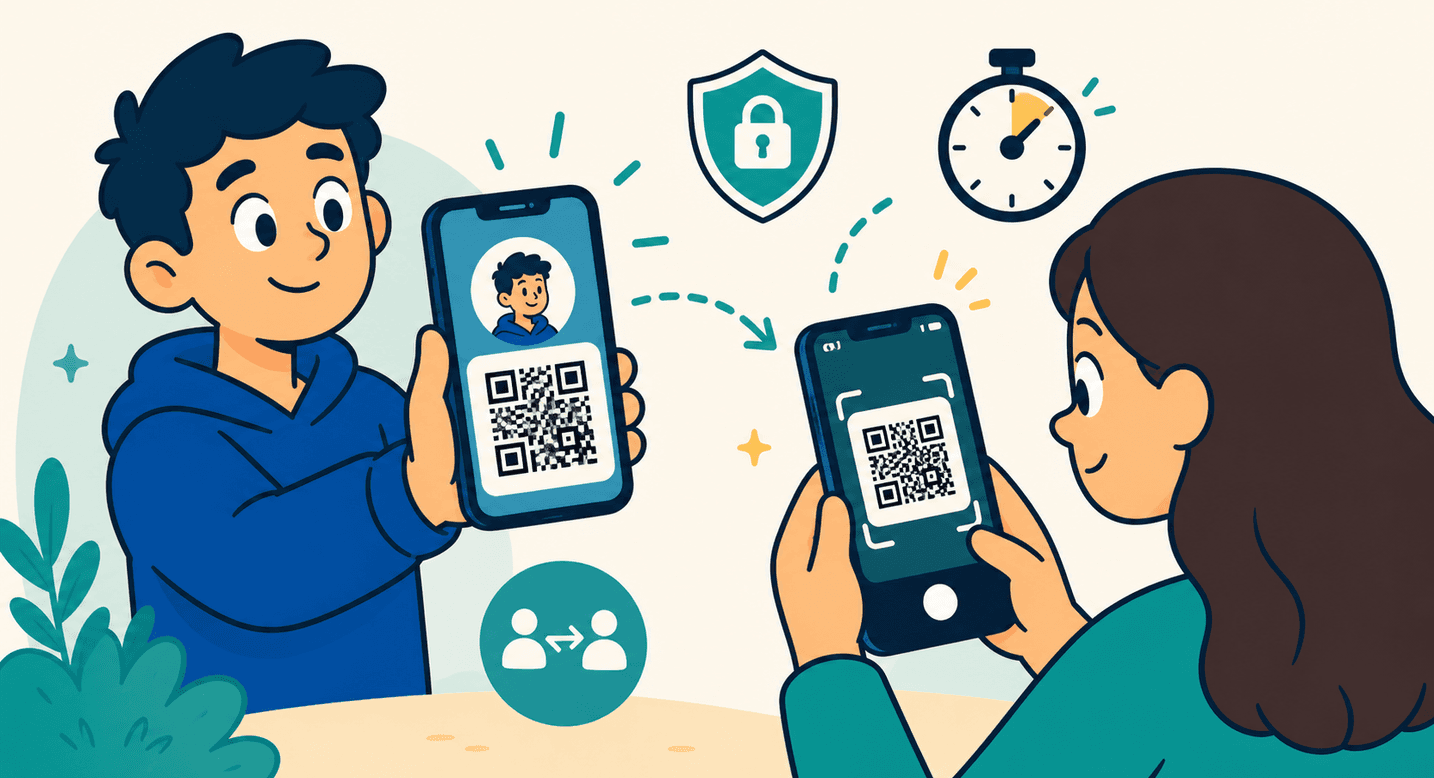
Connect in Seconds, Introducing QR Profile Sharing on Winklr
14 June 2026 • 3 min read • By Winklr Team
QR profile sharing turns 'let's connect' into a quick scan, with short-lived codes, clear choices after scanning, and privacy rules applied in the background.
Stay in touch without the awkward bit
Met someone you actually want to stay in touch with? You should not have to fumble with usernames or say, "search for me, it's spelled with two..."
Winklr's new QR profile sharing turns "let's connect" into a two-second scan.
How it works
Open the side menu and tap Share via QR.
You will see a simple sheet with two tabs:
My codeshows your personal QR code front and centre. It includes your photo and name above the code, so the person scanning knows exactly who they are connecting with. The code sits on a clean card that stays sharp and easy to scan in light and dark mode.Scanlets you point your camera at someone else's Winklr code to connect with them.
That is the whole flow. One person shows, the other scans.
You scan, you choose
This is the part we care about most. When you scan someone's code, you decide what happens next.
You can:
- View profile, if you want to take a proper look first
- Add to contacts, if you want to connect straight away
That choice sits with the person scanning, not inside the code itself. It keeps the flow clear and avoids any guessing before you scan.
Private and safe by design
Sharing in person should feel safe, so every Winklr code is built with a few clear rules.
- One-time and short-lived. A code is valid for a couple of minutes and works once.
- Screenshot-resistant in practice. An old code will not keep working, so it cannot be passed around and reused later.
- Respectful of your boundaries. You cannot scan your own code, and blocked users cannot use this route to connect with you.
- Mutual when it matters. If you choose
Add to contacts, the connection happens both ways, with no surprises.
Under the hood
For anyone curious, each code is a securely signed, single-use token issued by our servers. It is not a static link.
When a code is scanned, our backend validates it, applies your privacy rules, and carries out the exact action the scanner picked.
No personal data is embedded in the QR code itself.
Try it
It is rolling out now.
Head to Menu > Share via QR, and the next time you meet someone worth keeping, just let them scan.